
Start with your footage.
Import your video and audio into a local library. Check the format, frame rate, dimensions, duration, and file size before the final upload.
Turn raw footage into your next great post. A desktop studio for cutting clips, shaping your story, and getting ready for the feed.

Your footage, your edit, your final say.
Bring the essential steps into one focused Windows workspace.
Import your video and audio into a local library. Check the format, frame rate, dimensions, duration, and file size before the final upload.
Trim, split, and rearrange. Add text, music, and English captions. Frame it for vertical, square, or landscape, and set your own pace.
Render a finished MP4 and watch it back. Choose the available TikTok upload flow, confirm your settings, and follow its processing status.
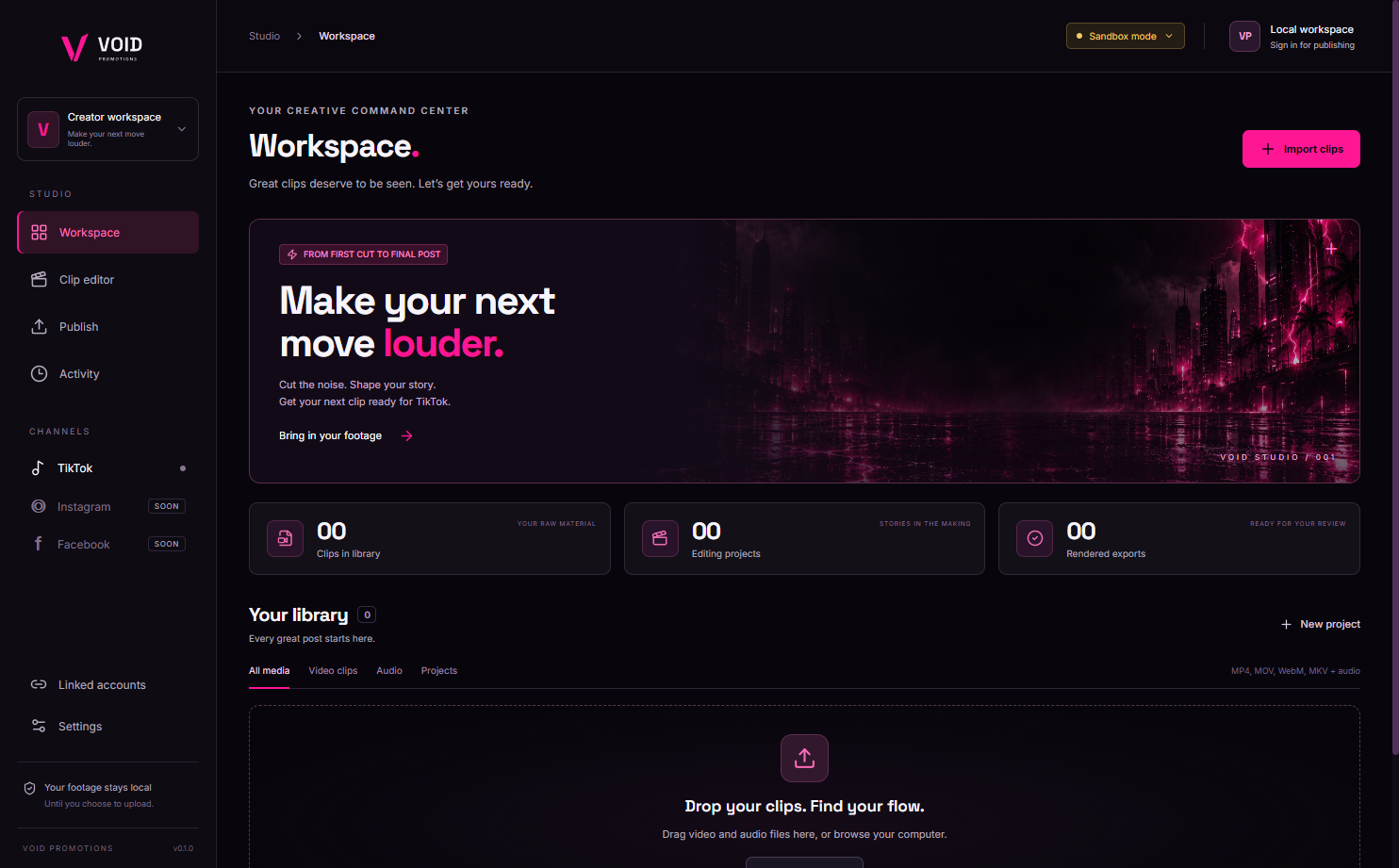
Start in your local workspace. Import your footage, organize your library, and open a project when you’re ready to make the cut.
Actual captures from the Windows desktop app. The editor views show a sample test project.
Generate English captions locally, then edit their text, timing, and style. Every line gets your final review.
Fit or center-crop your footage. Adjust speed and volume, add timed layers, and choose cuts or crossfades.
Choose 720p, 1080p, or 2160p with 24, 30, or 60 FPS. Export conversion handles MP4, H.264, and AAC.
Edit on your computer. Local captioning keeps speech processing on your device after a one-time model download.
Know where your clip stands.
Account connection, upload settings, and submission status belong in the workflow.
A connected-account workflow for draft uploads and Direct Post where the required access is available. Current integration is being prepared for account testing and review.
Planned after the TikTok workflow is verified. Instagram publishing is not available in the current build.
Part of the next chapter. Facebook publishing is not available in the current build.
TikTok access and public posting depend on developer approval, account permissions, and platform rules. A draft must be finished inside TikTok. VOID Promotions is independently operated and is not affiliated with or endorsed by TikTok, Meta, or CapCut.
VOID is currently in a private beta. We’re building toward a wider release and collecting interest along the way.
Have another question?The Windows build is currently available to invited private beta users. Join the waitlist for launch and access updates. There is no public download, release date, or pricing commitment yet.
The website gives you a look at the workflow. Video editing, local captions, and rendering run in the Windows desktop application. macOS development is planned after the Windows workflow is established.
You review the export and explicitly approve an upload. Available TikTok workflows depend on the permissions granted to the app and your account. Draft uploads need a final step in TikTok; public Direct Post needs the applicable approval.
No. Checks cover technical properties such as encoding, dimensions, duration, and size. Platform moderation, copyright, account eligibility, and posting limits remain under the platform’s control.
We save your email address and signup consent so we can contact you about VOID access and launch updates. Joining does not create an app account or reserve a paid plan. You can ask us to remove your email at any time.
Get on the list for VOID Promotions access and launch updates. We’ll keep you in the loop as the studio takes shape.